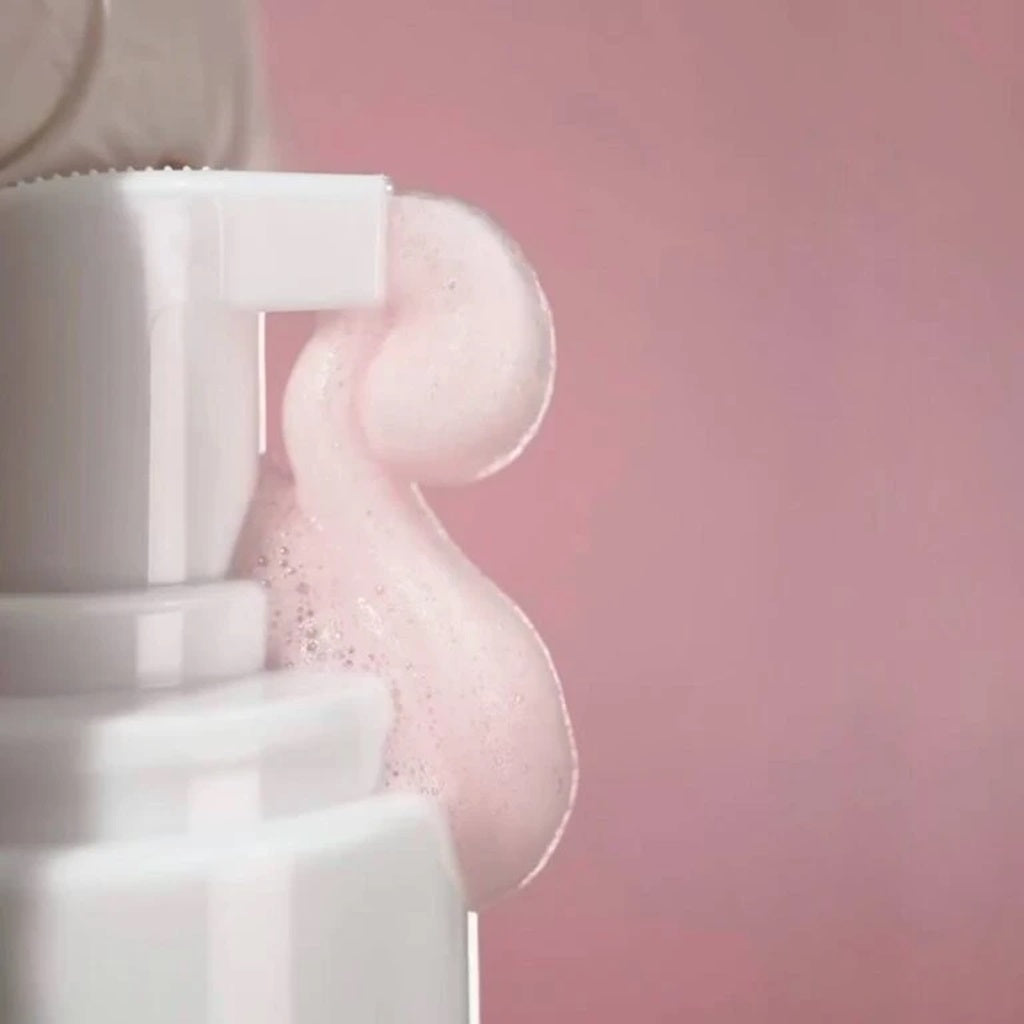
Unicorn Pink Foam is not just a manicure product, it is magic that combines professional care, a delicate pink shade and a photoshop effect for perfect photos and videos.
— effectively removes dust, sebum and material residues, giving a feeling of absolute freshness; — deep hydration, giving the skin a healthy look without a hint of dryness; — a moisturizing, light and silky texture, without sticky residue; — creates a photoshop effect that looks great in photos and videos; — has a pleasant Sakura aroma.
Steps of use:
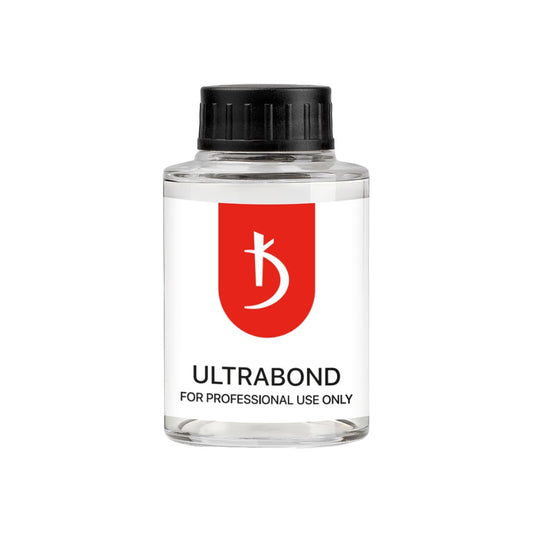
1. Cuticle preparation and manicure Skin softening: — Apply foam to the cuticle and side rollers to moisturize and facilitate the cutting process. Thanks to additional hydration, the cut is neat and without trauma. 2. Preparing the nail for coating Cleaning: — After working with a cutter or scissors, the foam will help remove skin residues, dust, sebum, remover or hemostatic fluid. Apply the foam to the nail plate and clean with a lint-free cloth, removing dust and dirt residues around the nail. Carefully remove the foam residues with a cloth. To ensure high-quality adhesion, apply nail prep and dehydrator (this is a very important step to avoid the effect of moisture on adhesion). If necessary, use Ultrabond. 3. Care after coating Skin cleaning: — After polymerization and final filing, apply the foam to the skin around the nails to remove dust residues. 4. Final touch: — Thanks to the foam, the skin looks fresh, well-groomed and perfectly moisturized, without a greasy shine. This creates a "Photoshop" effect, making manicures and pedicures ready for aesthetic photos and videos. If necessary, apply cuticle oil or hand cream for extra care.